


WorkflowMAX for Construction Businesses in New Zealand
Find the best fit for your construction business.
WorkflowMAX is a cloud-based job and project management platform built for Construction service businesses.
For NZ building and construction businesses, that means quoting jobs, tracking labour and material costs, managing purchase orders, logging time on site, and invoicing clients - all without jumping between spreadsheets, emails, and separate systems.
ConTech Solutions are certified Platinum WorkflowMAX Implementation Partners with offices in Auckland and Wellington. We map your workflow, configure the system to match how your business actually operates, and provide ongoing support to make sure you get full value from your investment.
If your business is running on disconnected tools and manual processes, WorkflowMAX - properly implemented - is the fastest way to fix that.
-
Job Management from Quote to Invoice
Every job lives in one place. Create detailed quotes with task breakdowns, labour estimates, and material costs. When a quote is accepted, everything flows through to the job automatically — no re-entering data, no information lost between stages.Phase-Level Cost and Time Tracking
Break jobs into phases — such as groundworks, framing, fit-out, or finishing — and track time, costs, and progress separately against each stage. Know exactly where each phase sits against budget before costs get out of hand.Time Tracking Built for Site Teams
Your crew logs time directly from their phones against the right job and task. Eight different time entry options. No timesheets piling up at the end of the week. Every billable hour captured as it happens.Purchase Order Management
Create and issue purchase orders directly within WorkflowMAX, linked to the relevant job. Bills are matched against POs as they come in, recorded as job costs automatically, and pushed straight to Xero or QuickBooks — no double handling.Flexible Invoicing
Invoice on time and materials, fixed price, progress claims, percentage of quoted value, or milestone-based — whatever suits the job. Invoices pull directly from job data, so every claim is backed by real numbers.Xero and QuickBooks Integration
Bills and invoices sync directly into your accounting software. For NZ businesses running Xero — the standard across the industry — this is a native integration, not a third-party workaround.Document Management
Attach plans, photos, consents, and site documents directly to each job. Integrate with Google Drive, SharePoint, or Dropbox for more capacity. Everything stays linked to the job it belongs to.Reporting and Profitability Insights
Real-time dashboards show you how every job is tracking against budget. Understand which project types are most profitable, where you're under-charging, and where costs are running ahead of estimates — before it's too late to act.
The ConTech Solutions Difference
WorkflowMAX is a powerful platform. But out of the box, most businesses only use a fraction of what it can do.
ConTech Solutions' proprietary 300-Point Account Health Audit is designed to find exactly that - the configuration gaps, under-utilised features, and workflow inefficiencies that are quietly costing your business time and money.
Whether you're new to WorkflowMAX or have been using it for years, we can look at your business and see what's holding your setup back and maps a clear path to getting more from your workflow. From a free trial for first timers, to helping you get more ROI from your existing WorkflowMAX set up, we’ve got you.
Our team has over a decade of hands-on experience with WorkflowMAX and Xero, working directly with each client for better ROI.

Small Crew? Here's What Actually Matters
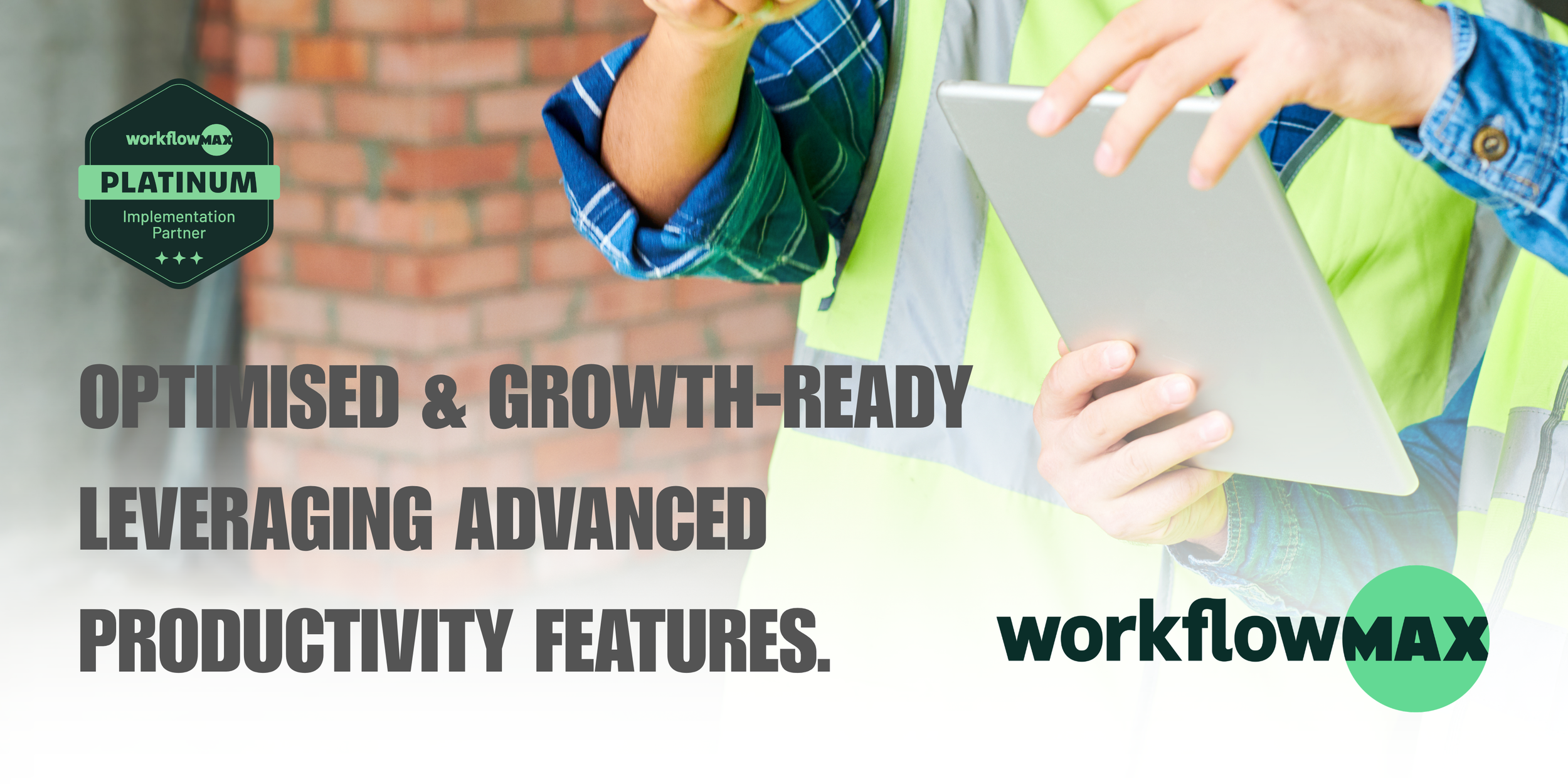
You don't need every feature WorkflowMAX has — you need the handful that get you off spreadsheets and paper timesheets without adding a new admin burden. Here's what small construction businesses get the most value from, right out of the gate.
One System, Not Three
Replace the quote spreadsheet, the job notebook, and the invoice template with a single place everything lives — no more re-typing the same job details twice.
Time Tracking From Site
Your crew logs hours from their phone, against the right job, as they go. No paper timesheets to chase on a Friday, no guessing what happened two weeks ago.
Quote Flows Straight to Invoice
Build the quote once. When it's accepted, the job, tasks, and costs are already there — no re-entering data at 9pm because there's no admin person to do it for you.
Purchase Orders Tied to Job Costs
See what a job is actually costing you while it's still running — not after it's finished and you find out you underquoted.
Invoice However Suits the Job
Time and materials, fixed price, or progress claims — invoice as the work happens rather than waiting for the whole job to wrap up, so cash flow stays healthier.
Syncs Straight With Xero
No double entry between your job system and your accounts. If you're already on Xero — like most NZ trade businesses — it just talks to it.
All of this is included in WorkflowMAX Essentials — built for teams from 3 users, with simple, low-commitment pricing.
See Full Package Comparison →Not Sure What's Next? Find Your Right Move With WorkflowMAX
Whether you're choosing WorkflowMAX for the first time or you've been running it for years, the right next step depends on where you're starting from.
Compare Packages First
Choosing between Essentials, Pro, and Advanced comes down to your team size, how many jobs you run at once, and how much reporting and approval control you need. See every feature compared tier by tier, so you land on the right plan the first time.
Compare WorkflowMAX Packages →Get More From Your Current Setup
Most construction businesses running WorkflowMAX are only using a fraction of what their package includes. Our 300-point Account Health Audit shows you exactly what's costing you time — and how to fix it.
Get Your Account Health Audit →WorkflowMAX FAQs
-
WorkflowMAX is a cloud-based job and project management platform covering quoting, timesheets, purchase orders, job costing, and invoicing, and it integrates natively with Xero — making it well suited to NZ construction and trade businesses already using Xero for accounting.
-
WorkflowMAX has Essentials, Pro & Advanced packages. Depending on your billing you can save 5% on quarterly and 10% on annual. The cheapest seat available is $12.50 per user per month on Essentials if paying annually at a minimum of 3 users. Ask us about the other package options!
-
Yes. WorkflowMAX has native iOS and Android apps so your team can log time, view job details, and manage tasks from anywhere on site. Time data flows directly into job costing and invoicing as it's captured.
-
Most small teams (3–4 users) start on Essentials to replace spreadsheets for quoting, job tracking, and invoicing; businesses that need job phases, a Kanban view, or multi-currency purchase orders typically move to Pro once they cross 5 users, while larger operations with dedicated admin or finance staff benefit from Advanced's approval workflows and custom reporting.
-
It means ConTech Solutions holds WorkflowMAX's highest partner tier, reflecting proven experience setting up and optimising the platform specifically for construction and trade businesses rather than general service industries.
-
Essentials (minimum 3 users) covers the core job lifecycle — quotes, jobs, scheduling, timesheets with pause timer, invoicing, purchase orders, contacts/clients, a dashboard, and one accounting integration (Xero or QuickBooks). Pro (minimum 5 users) adds lead capture, quote variations, job phases, a Kanban job board, timesheet and task reminders, phase- and percentage-based invoicing, bulk PO creation, multi-currency purchasing, custom fields and reporting, HubSpot and Airwallex integrations, Zapier, DMS integration, and API access. Advanced (minimum 10 users) adds capacity planning, timesheet approval workflows, M365/Google Calendar sync, individual WIP entry management, scheduled and filtered custom reports, and full role-based permissions PLUS MCP Server interface using Claude — built for larger teams running more complex job structures.
-
WorkflowMax integrates natively with both Xero and QuickBooks, syncing invoicing and job costing data so financial records stay aligned with project-level detail.